Profile and Security
Your personal information, password, and active sessions.
Profile & Settings holds your personal information, password, and everything related to how your account is signed in.
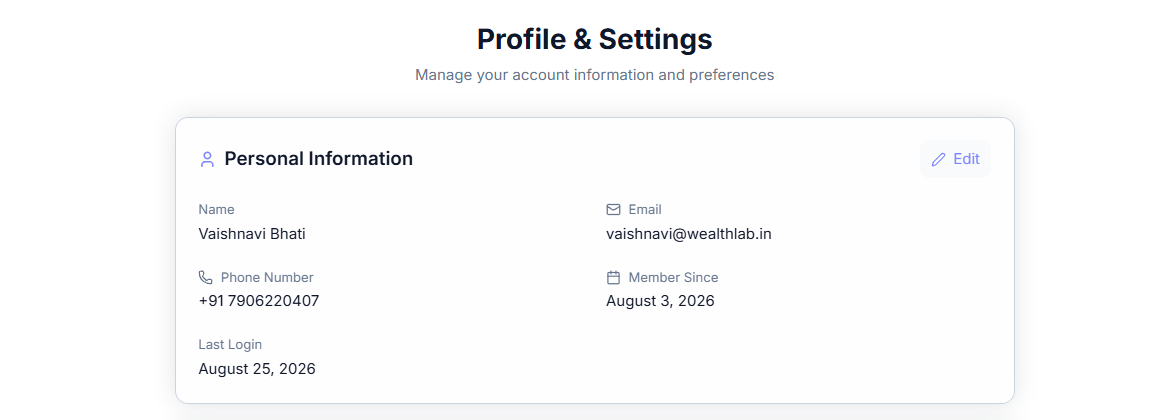
Personal Information
This section shows your name, email, phone number, when you joined WealthLab (Member Since), and your Last Login. Tap Edit to update your details.
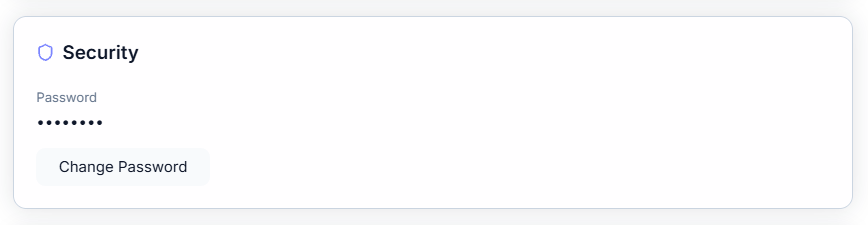
Security
Under Security, tap Change Password to update your password.
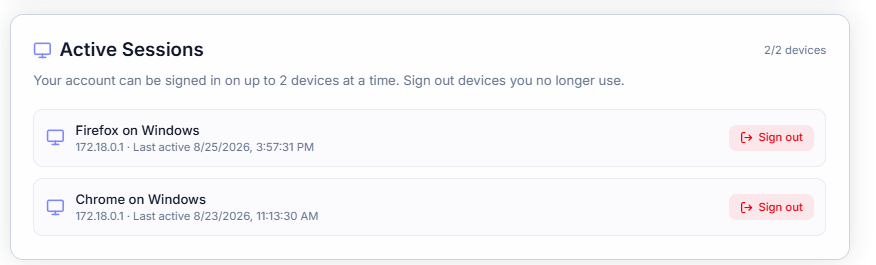
Active Sessions
Active Sessions lists the devices currently signed in to your account, along with each device's approximate location and when it was last active. WealthLab allows up to three devices signed in at once — the counter at the top of this section (for example, 2/3 devices) shows how many of your allowed slots are in use. The device you're currently using is labeled This Device. Tap Sign out next to any session to sign that device out.
Install App
Install App lets you install WealthLab as an app for faster access, a home-screen icon, and offline support, via the Install WealthLab button.
Account Actions
At the bottom of the page, Logout signs you out of your current session. Delete Account permanently deletes your account — this is a separate, more serious action from simply logging out.

Common Questions
What happens if I try to sign in on a fourth device?
Since WealthLab allows up to three active sessions, signing in on a fourth device would require signing out one of the existing three first — either from that device directly, or by using Sign out in Active Sessions.
Is deleting my account reversible?
No — Delete Account is a permanent action, distinct from Logout, which only ends your current session and leaves your account and data intact.