What Is Stage 2 Analysis?
See every stock in a given stage, with tools to filter and compare.
Stage 2 Analysis is where you go to see every stock currently classified into a given stage, along with the tools to filter, compare, and dig into them.
What You'll See at the Top
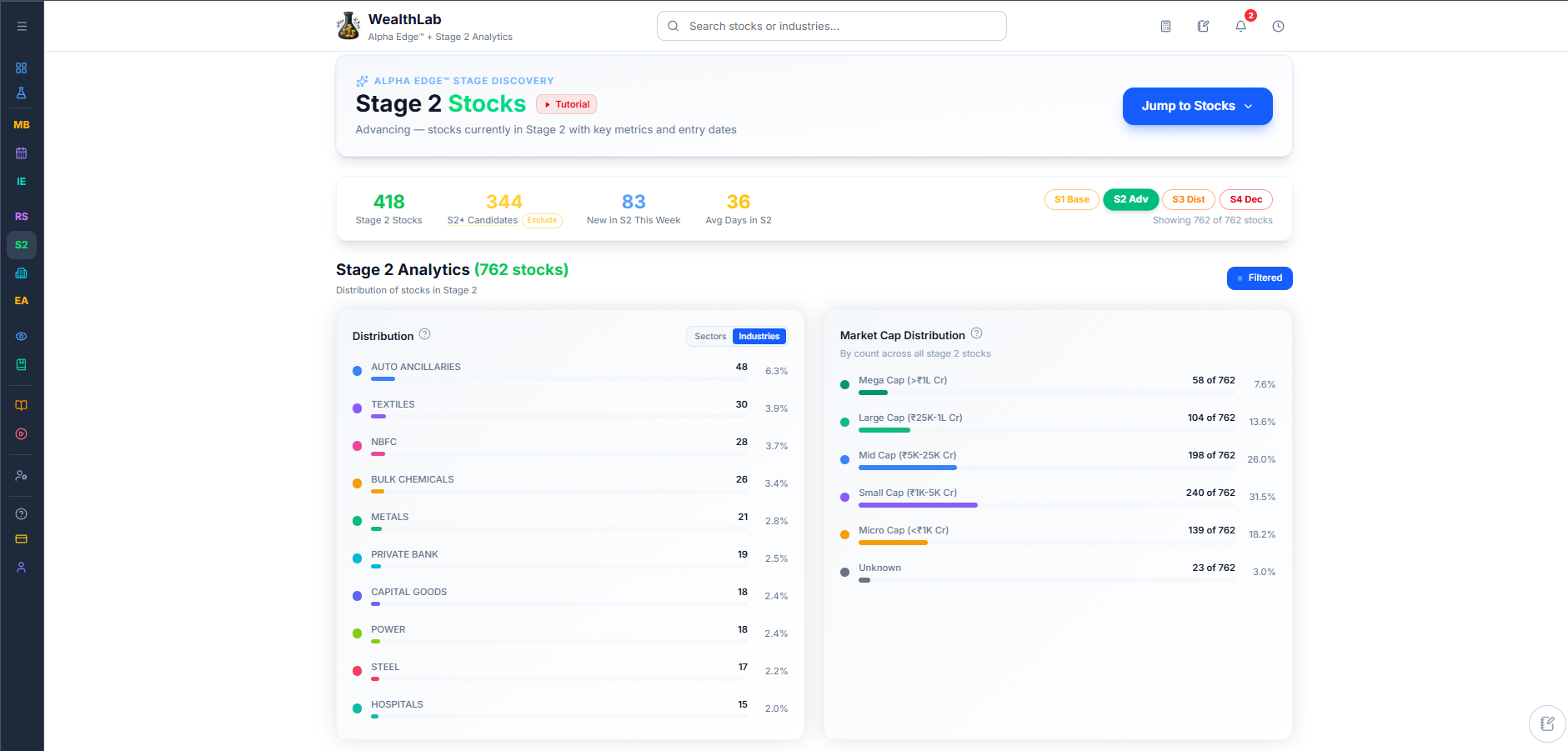
The page opens with two headline counts: how many stocks are currently in Stage 2, and how many are Stage 2 Candidates — stocks with a high probability of moving into Stage 2 soon, but not confirmed yet.

Below that sit the Distribution and Market Cap panels, breaking those stocks down by sector, industry, and company size — see Stage 2 Industry Distribution and Market Cap Distribution for how to read them. If anything on these panels is unclear, select the small question-mark icon next to either heading for a quick explanation.
Switching Between Stages
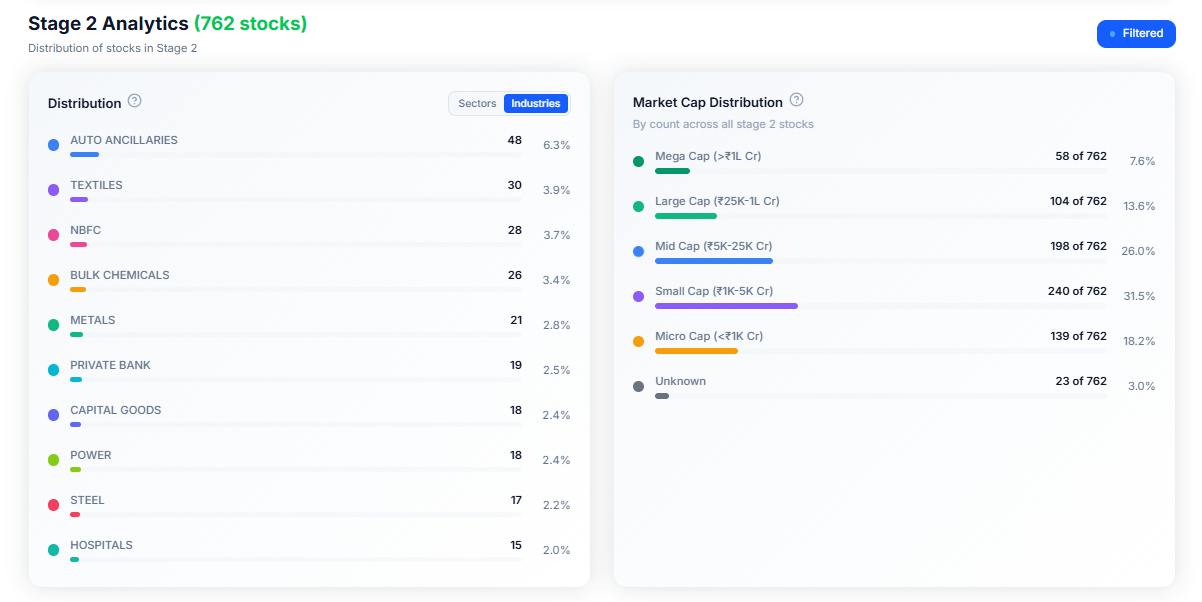
We understand that at certain times you might want to see Stage 1, Stage 3, or Stage 4 stocks, and we have made it extremely simple for you to do that.
Just select S1, S2, S3, or S4 to switch the whole page — the counts, the distribution, and the table below — to show stocks of the selected stage. This is a quick way to see which sectors and industries are showing up in each phase right now.
Including Stage 2 Candidates
By default, Stage 2 Candidates are kept separate from confirmed Stage 2 stocks. Select Include to fold them into the counts and panels, so you're looking at the combined picture instead of just confirmed Stage 2 stocks alone.


Filtering and Reviewing Stocks
Below the summary panels sits the full stock table, with filters to narrow it down — check Finding and Filtering Stage 2 Stocks for how to use them.
Common Questions
What is a Stage 2 Candidate?
To count as a Stage 2 stock, a stock has to check every box in WealthLab's own set of rules — 8 proprietary conditions it has to fully meet before it's officially tagged Stage 2.
A Stage 2 Candidate is a stock that's close, but hasn't checked every box yet. Think of it as a stock that's setting up: it's showing enough of the right signs that it has a high probability of qualifying soon, but it hasn't strictly met all the criteria.
So WealthLab keeps it in its own separate bucket (marked S2*) instead of calling it Stage 2 outright.
Does switching to S1, S3, or S4 work the same way as S2?
Yes — the whole page, including the Distribution and Market Cap panels, updates to reflect whichever stage you've selected.
A stock is Stage 2 – Advancing but its RS has fallen — should I sell?
Stage 2 tracks momentum; RS tracks performance vs. the market. A falling RS while still in Stage 2 – Advancing doesn't necessarily mean the stock is losing momentum — it could just mean the broader market is doing better. Use it as an input, but let your own entry/exit rules, not RS alone, determine the decision.