Create Your Account and Log In
How to sign up, verify your email, and log in.
Was this helpful?
Create Your Account
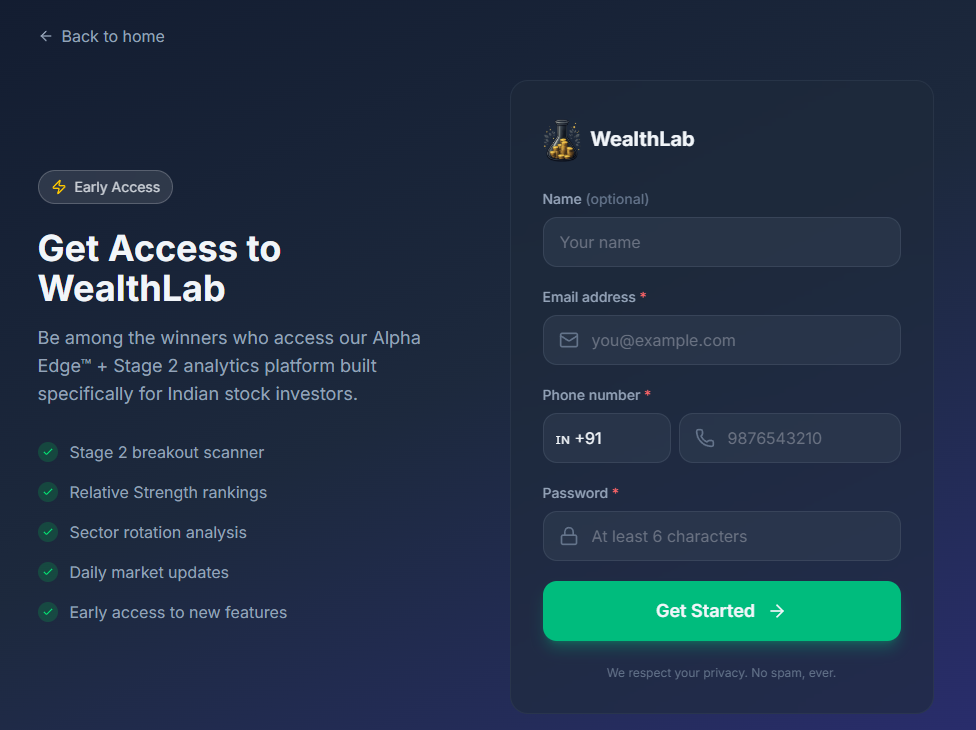
- Go to WealthLab | RS Analysis & Momentum Stocks | Stage 2 Stock Screener India and select Sign Up.
- Enter your email address and choose a password.
- Confirm your email address using the verification link WealthLab sends you.
- Once verified, you're taken to your Dashboard.
Log In
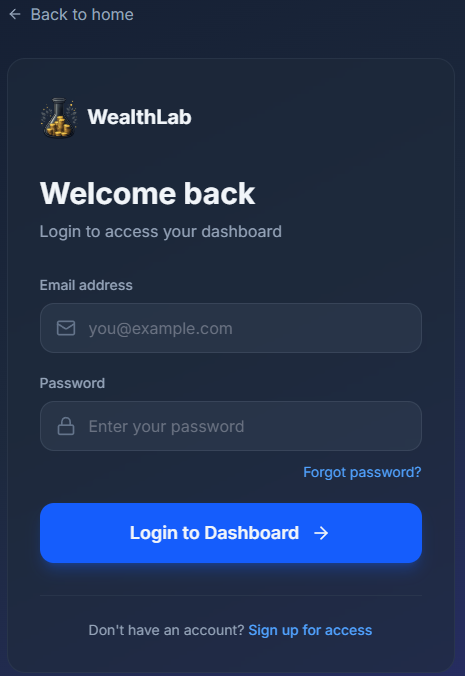
If you are already signed up, select Log In, enter your email and password, and select Log In again to continue.
Forgot Your Password?
Select Forgot Password on the login page and enter your email address. WealthLab sends you a link to set a new password. The link is time-limited, use it soon after it arrives.
Common Questions
Can I change my email address later?
No, your email address can't be changed once your account is created. You can update your phone number any time from your Profile settings.
What if I don't receive the verification email?
Check your spam folder first. If it still hasn't arrived after a few minutes, you can request it again from the sign-up page.