My Notes
Your thesis library, collecting every note across stocks, sectors and indices.
My Notes is your thesis library — every note you've written on a stock, sector, or index page, collected in one place.
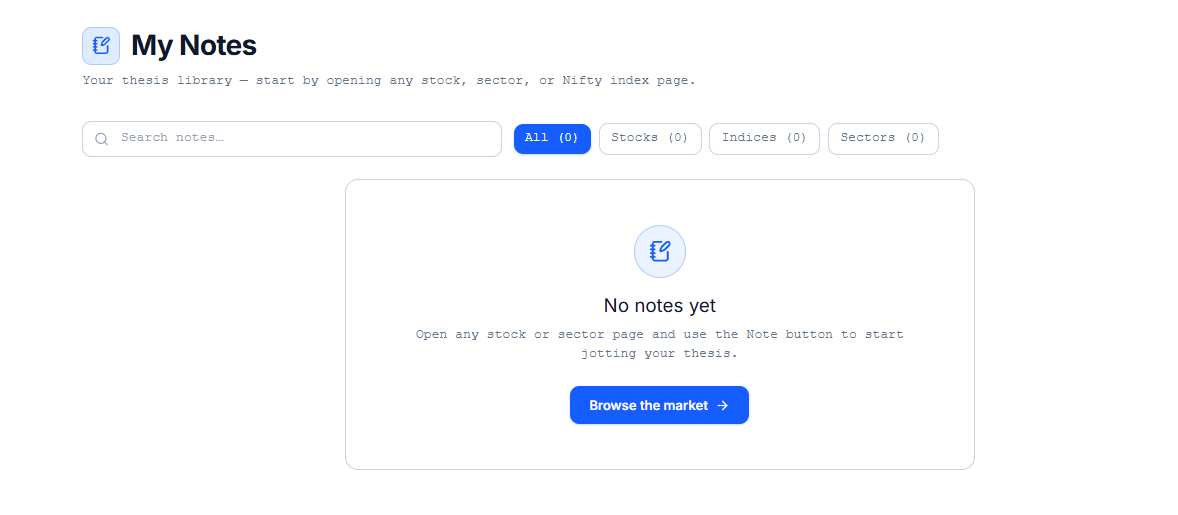
Writing a Note
Notes aren't written from this screen directly. Open any stock, sector, or Nifty index page and use the Note button there to start writing — it appears in this library afterward.
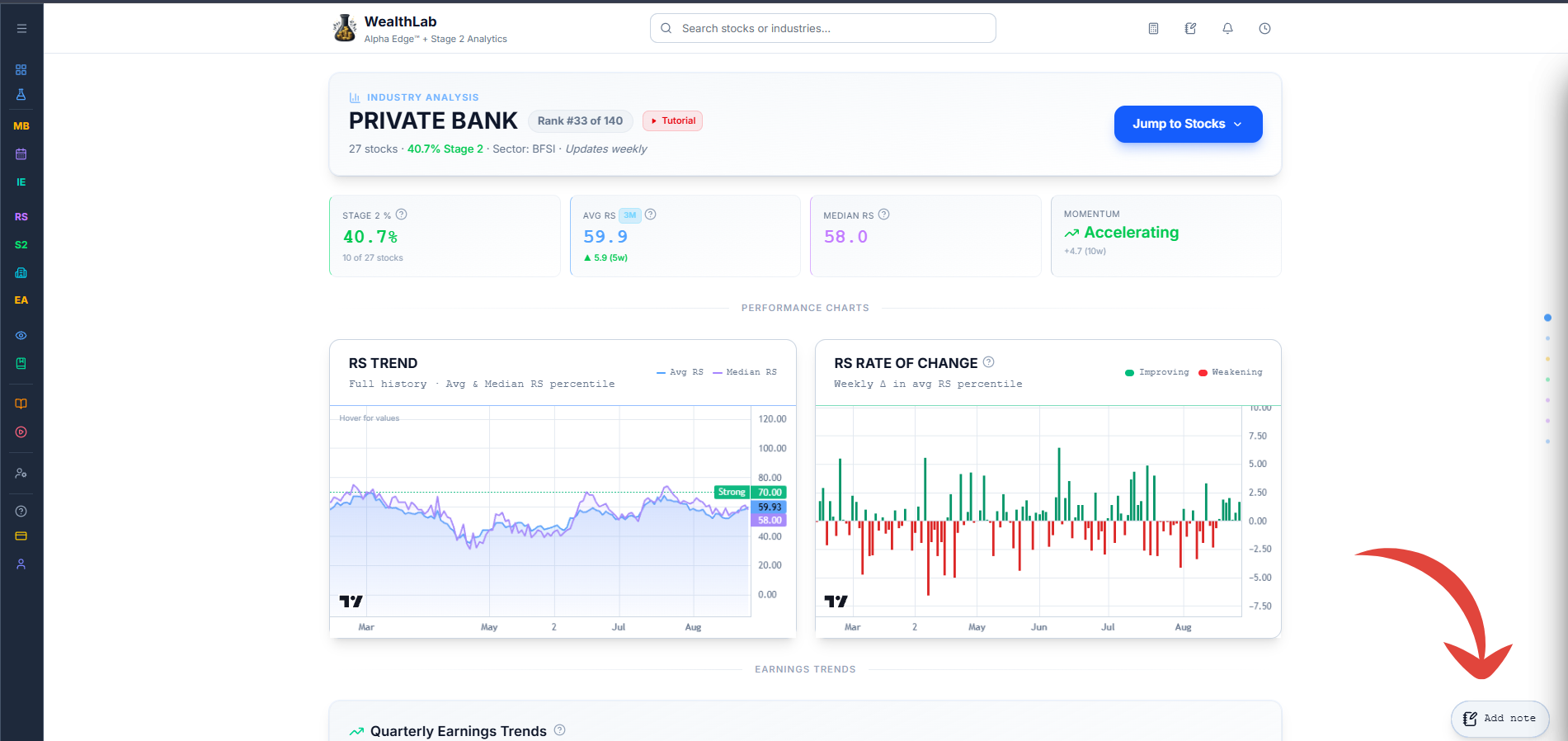
Finding a Note
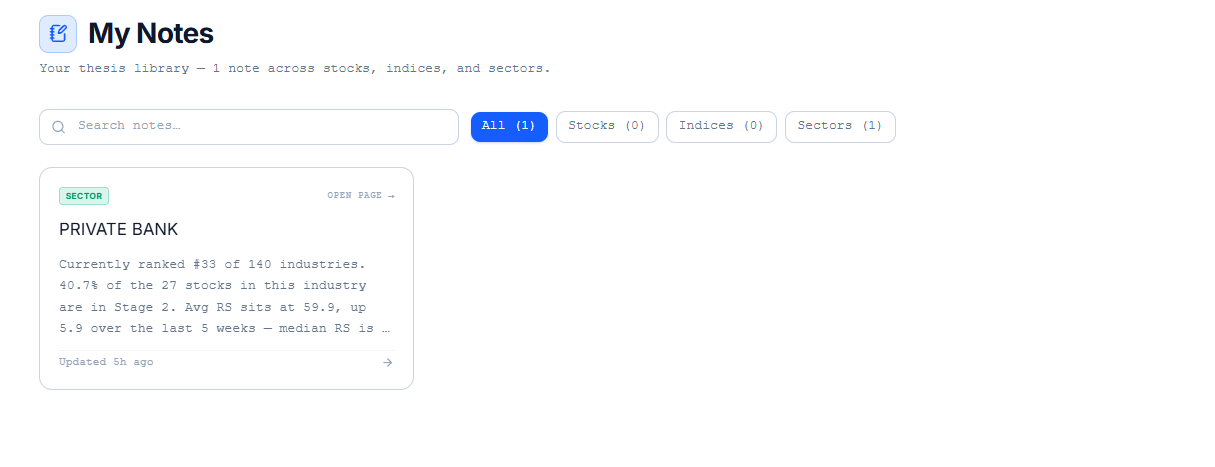
Once you have notes saved, use the Search notes field to find one by keyword, or filter using the All, Stocks, Indices, and Sectors tabs — each shows a running count of how many notes you have in that category.
Common Questions
Can I write a general note that isn't tied to a specific stock, sector, or index?
No — every note in this library is attached to whichever page you opened the Note button from.
Related Articles
What Are Tools and Utilities? · Position Sizing Tool · Time Machine