Saving and Exporting a Screen
Save a filter combination for later, or export results to TV/Excel.
Once you've set up your filters just the way you like, you don't have to rebuild them every time. You can save the exact combination for later, or pull the results out into a spreadsheet.
Save Your Filters
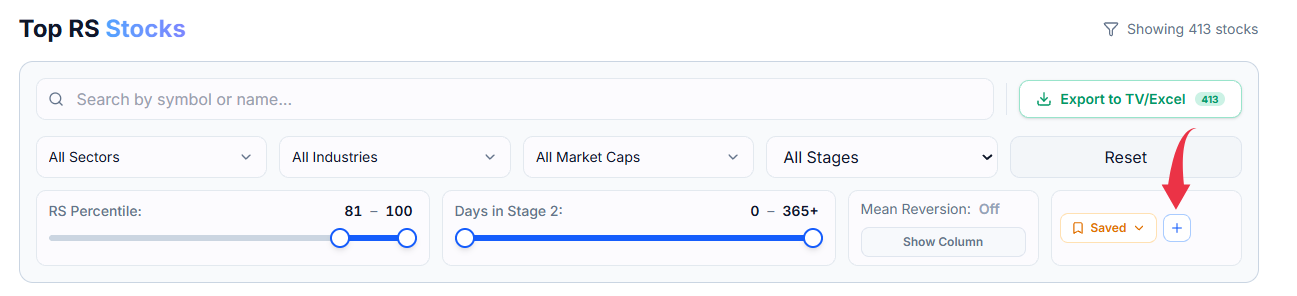
Select the + button next to Saved. This stores your current combination of filters — sector, market cap, RS range, and anything else you've set — under a name you choose.
Load a Saved Screen
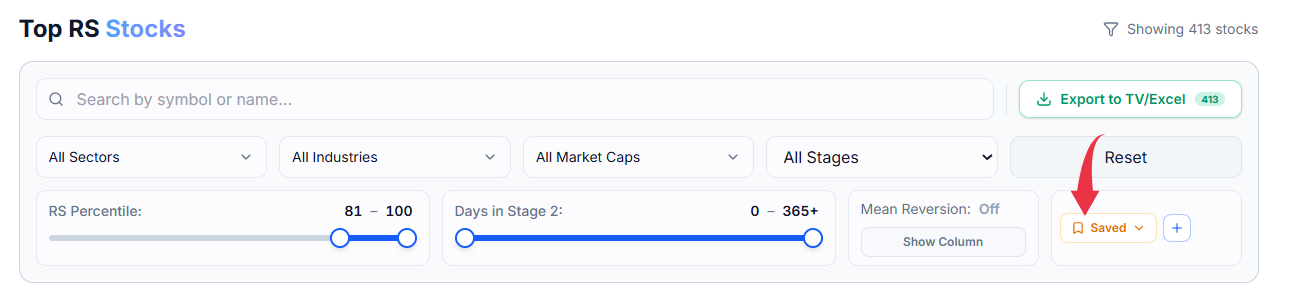
Whenever you want that same view again, open the Saved dropdown and select it from the list. Your filters are applied immediately, with no need to set them up again from scratch.
Export Your Results
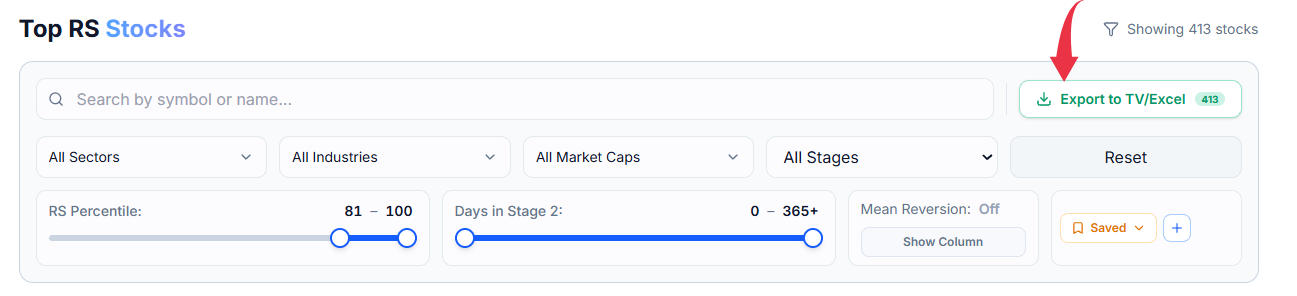
Select Export to TV/Excel to download every stock currently matching your filters. The button itself shows you exactly how many stocks will be included before you download anything.
Common Questions
Can I save more than one screen?
Yes, save as many different filter combinations as you find useful, each under its own name.
Does exporting change my saved filters?
No — exporting just downloads whatever's currently showing. Your saved filters stay exactly as you left them.