What Is an Individual Index Page?
Deep dive into one index, evaluated the same way you'd evaluate a stock.
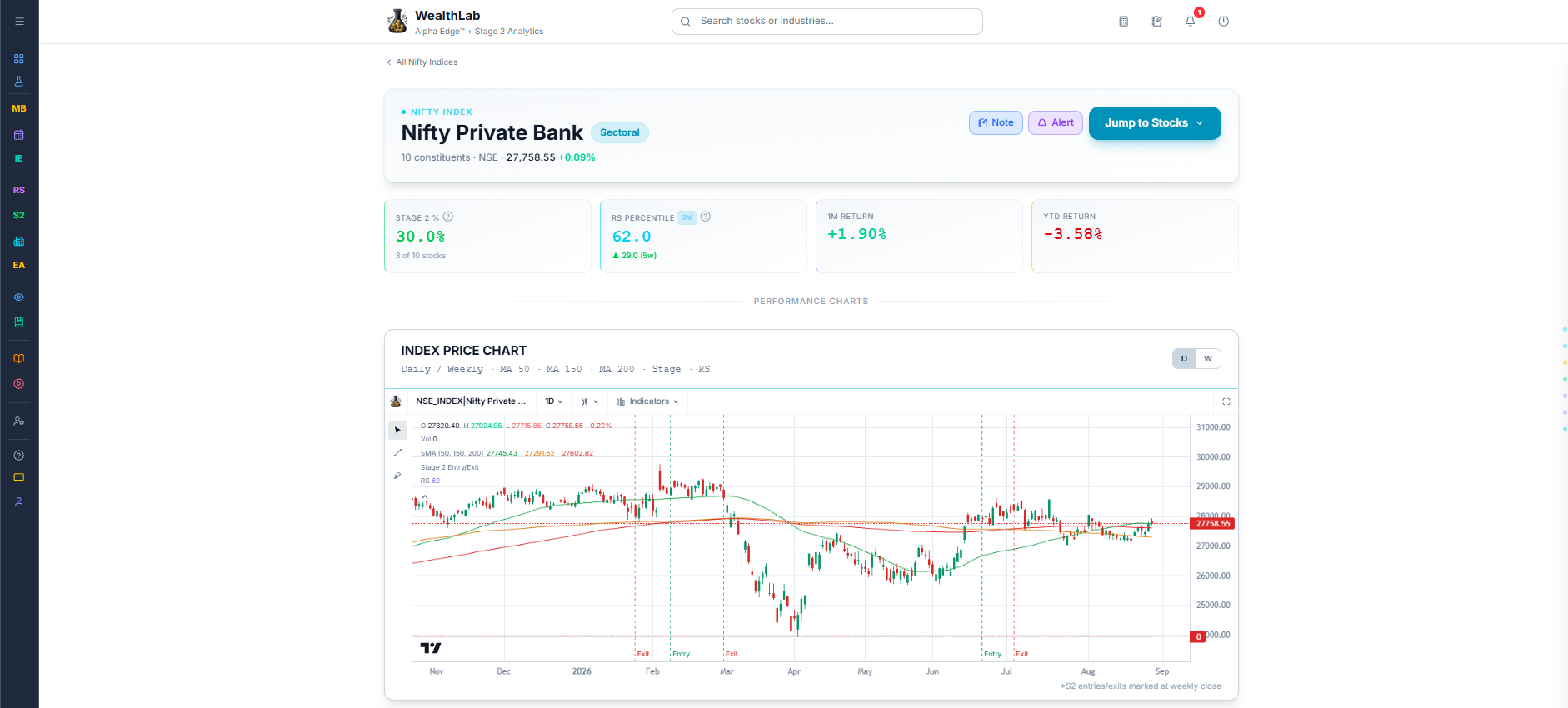
Once you've spotted an index worth a closer look on Nifty Indices, this is where you dig into it properly. An individual index page brings together that index's own price history, its RS trend, earnings trends across its constituents, breadth data, and every stock that makes it up — so you can evaluate the index the same way you'd evaluate a single stock.
Why this page exists on its own
Nifty Indices is built for comparing many indices against each other at once. This page is built for the opposite — going deep on just one, with its own price chart, its own history, and the complete list of stocks behind it.
What's on this page
The header shows the index's category, how many stocks it contains, and its current price. Below that, summary cards give you its standing at a glance, followed by the index's own price chart, RS trend and rate of change charts, quarterly earnings trends across its constituents, breadth and momentum data, a ratio chart against the Nifty 500, and finally a way to compare every stock inside the index side by side.
Common Questions
How do I get to an index's own page?
Select any index name from Nifty Indices. Select All Nifty Indices at the top of the page to go back to the full list.
Related Articles
Index at a Glance · Price Chart · Comparing Stocks Within an Index